

A useful spoken brief tells the AI five things in a recoverable order:
Goals
How to give AI a useful spoken brief
Turn a spoken request into a usable AI brief: state the outcome, essential context, constraints, deliverable and check in two short takes.
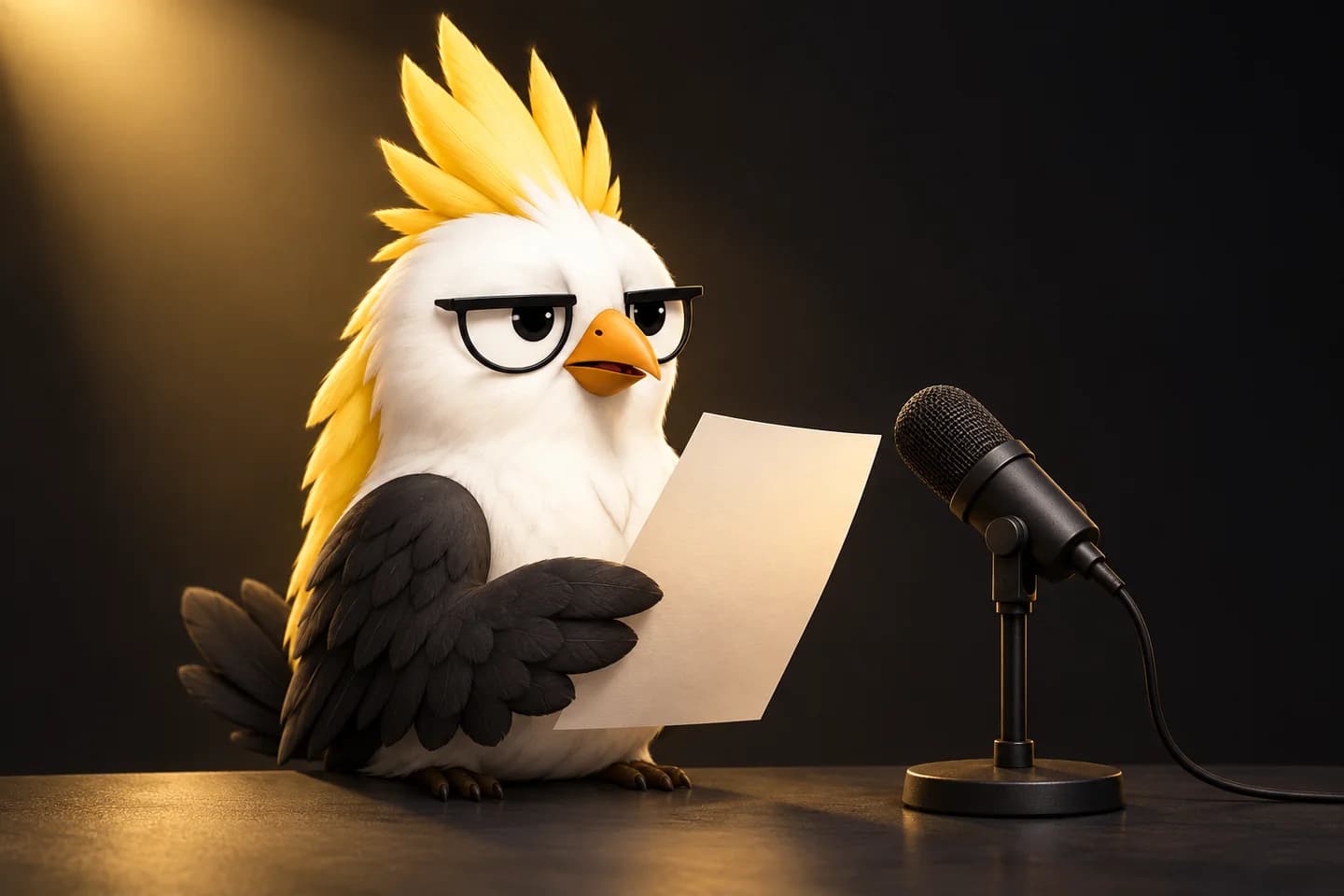
outcome → essential context → constraints → deliverable → check
You do not need to sound polished. You need to make the task hard to misunderstand and easy to verify.
The five-part spoken brief
1. Outcome
Start with what should exist when the work is done.
Draft a one-page launch update for tomorrow's decision meeting.
This is stronger than spending the first 40 seconds narrating how you arrived at the request.
2. Essential context
Give only the facts that change the work.
The supplier is five days late, but the team can preserve the date by removing the optional migration.
3. Constraints
Name what must stay true or must not happen.
Keep the confirmed launch date visible. Do not invent costs or supplier commitments.
4. Deliverable
Say what form you need.
Show two options, their risks and the decision required from the group.
5. Check
Tell the system how to handle a gap.
If a required fact is missing, list the question instead of guessing.
The AI cannot reliably protect a condition you never said. This is less mystical than prompting advice sometimes suggests.
A weak and a usable version
Weak:
I need something about the launch for tomorrow. There are supplier issues and maybe we should move the date, but there is another option. Can you make it clear and professional?
Usable:
Draft a one-page launch update for tomorrow's decision meeting. The supplier is five days late. We can either move the date or keep it by removing the optional migration. Compare those options, show the risk of each and end with the decision needed. Do not invent cost estimates. List any missing fact as a question.
The second brief is not longer because it contains more scene-setting. It is longer where precision earns its place.
Before recording: protect private material
Use non-confidential content unless you understand and accept the privacy, storage and retention rules of the service receiving the audio. Do not speak passwords, access tokens, medical details, unreleased financial information or another person's private data into a generic exercise.
Ptichi.site does not record or upload audio. For this exercise, use a recorder or voice interface you already trust.
Practice in two takes
Choose a real, low-risk task: an outline, meeting agenda, summary, comparison or draft message.
Take A
Speak for 30–45 seconds without writing the full request first.
Listen
Play it back once or inspect the transcript. Ask:
- Is the requested outcome in the first sentence?
- Which fact changes the answer?
- Did the critical limit survive?
- Are names, dates and numbers correct?
- Does the AI know what to return?
Do not collect twelve style problems. Find the first missing piece that could change the result.
Change one thing
For Take B, change only this:
Put the outcome first.
Keep the content, microphone and environment roughly the same.
Take B
Speak again. Use the five-part order, but do not read a memorised script.
Compare
Check whether a listener could recover:
- what should be produced;
- what fact changes the work;
- what boundary must be preserved;
- what to do when information is missing.
If the voice interface provides a transcript, verify critical names, terms, dates and numbers. Recognition can be robust and still be wrong at exactly the word your task depends on.
Transfer
Give a different spoken brief using new wording.
For example, switch from a launch update to this task:
Compare two onboarding approaches for a small desktop product. Keep accessibility and local data handling visible. Return a recommendation with the strongest counterargument.
If the structure works only on the original script, you have learned the script, not the pattern.
A 20-second microphone check
Before blaming your speech:
- confirm the selected input;
- keep a comfortable, repeatable distance;
- record the actual names and numbers in the task;
- listen for distortion, room echo and competing speech;
- do not change microphone position between Take A and Take B.
Google's Speech-to-Text guidance notes that a close, well-positioned microphone, limited background noise and audio without clipping support better recognition conditions. That does not mean you need studio gear. It means the capture should not sabotage the comparison.
For a fuller check, use Compare the speech, not the microphone distance.
When voice is the wrong tool
Use text when the task depends on exact code, long identifiers, credentials, dense tables, legal wording or line-by-line review. Voice can start the thought; text should confirm the irreversible detail.
Also stop the exercise if speaking increases pain or strain. This is a communication practice, not treatment or diagnosis.
What this exercise can show
It can show whether one version makes the outcome and constraints easier to recover. It cannot prove that all AI systems understood the request, that voice is faster for you, or that your speaking skill has permanently changed.
Continue with Ptichi
Ptichi uses this same bounded logic: one task, one attempt, one useful change, another attempt and then transfer to new wording. The website offers free exercises now; the desktop app for local recording and guided comparison remains in development, with no verified public installer yet.
For the wider context, read Why voice matters more for work in the age of AI. To see the product method, continue to How Ptichi works.
What you can verify on this page
This page includes a Ptichi-authored example built for explanation or rehearsal.
What it does not support: It is an editorial example, not an observed-user result, experiment or proof that Ptichi improves speech.
This page includes a bounded listen-and-compare exercise that you can run with your own recorder.
What it does not support: The exercise does not prove that Ptichi improves speech or that a second take will generalize to other listeners or situations.
Sources and boundaries
OpenAI Realtime API reference official-technical-documentation · 2026-09-28
What it supports: OpenAI's current Realtime API supports low-latency multimodal interaction, including native speech-to-speech and text, image and audio inputs and outputs.
What it does not support: Vendor documentation establishes a current technical capability, not adoption, productivity benefit, speech-training efficacy or a reason to prefer voice for every task.
Google Cloud Speech-to-Text best practices official-technical-documentation · 2026-09-28
What it supports: Google recommends a well-positioned microphone, avoiding clipping and checking sample audio for distortion; it notes that excessive background noise and echo may reduce recognition accuracy.
What it does not support: Service-specific engineering guidance, not a universal microphone-buying rule, a measure of human communication quality or evidence that Ptichi exercises improve recognition.
Reviewed:
Related
Goals
How to explain technical concepts to non-technical colleagues
Explain a technical problem, system or recommendation without dumping the architecture: start with the consequence, keep the necessary mechanism, and make the decision or next step clear.
Product
How Ptichi works: the speech-practice technology we are building
Inside Ptichi: programmes, prepared practice text, two-take comparison, local recording, bounded feedback, retests and a history of the skill.
Research
Why voice matters more for work in the age of AI
Voice is becoming a work interface, not just a presentation skill. Learn when speaking to AI helps, what quality means, and where the microphone fits.

Tools
Compare the speech, not the microphone distance
A practical placement check before A/B voice practice, plus a bounded way to use the microphone as feedback without turning it into a judge.